T-Money Card Check Balance: 5 Easy Ways to Check Your T-Money Balance in Korea
If you’re traveling in South Korea, a T-money card is one of the most convenient ways to pay for subways, buses, taxis, and even purchases at convenience stores. Before you head out for the day, it’s always a good idea to check your remaining balance so you don’t get stuck at a subway gate or on a bus.
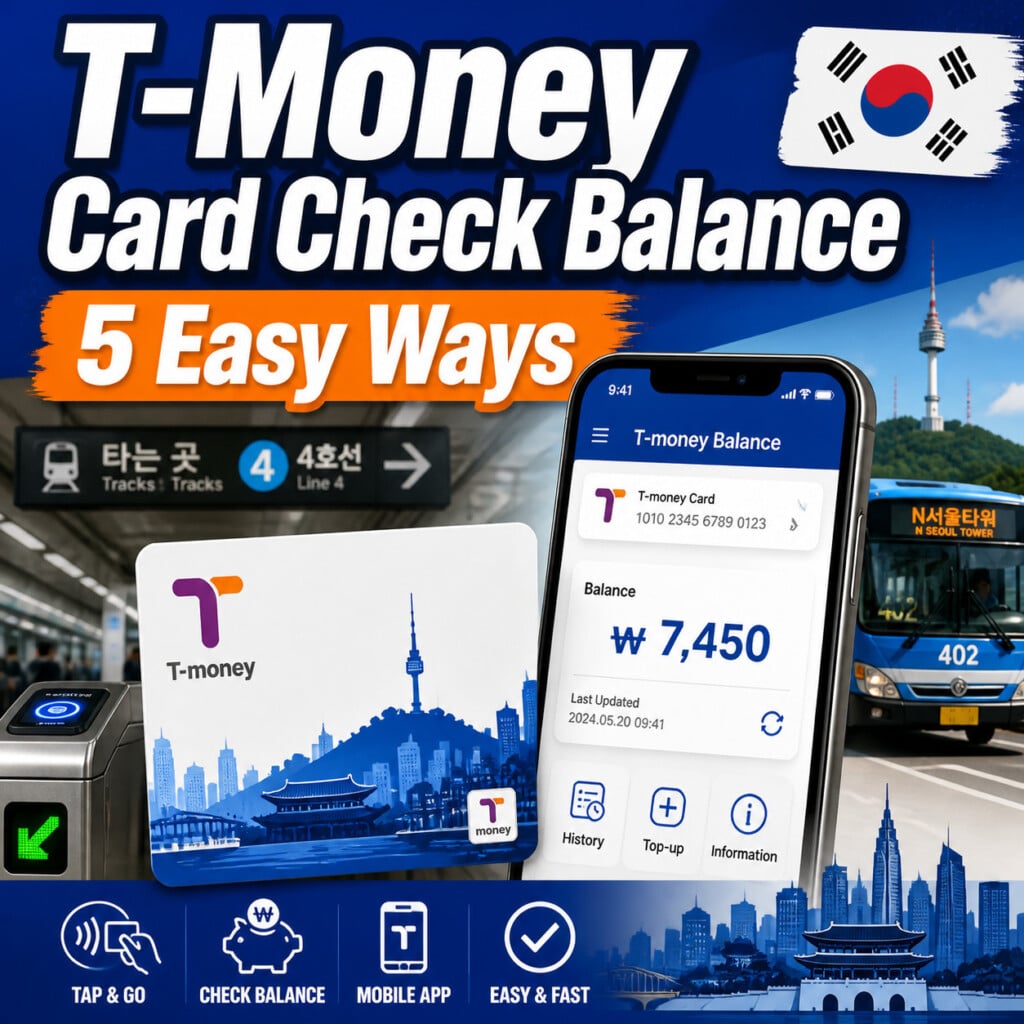
In this guide, you’ll learn the easiest ways to perform a T-money card check balance, plus helpful tips for tourists visiting Korea.
Why You Should Check Your T-Money Card Balance
Nothing is more frustrating than reaching the subway gate only to discover your card doesn’t have enough credit.
Checking your balance regularly helps you:
- Avoid being denied entry at subway stations
- Prevent delays while traveling
- Know when it’s time to recharge
- Keep enough balance for a full day of sightseeing
Since checking your balance only takes a few seconds, it’s worth making it part of your travel routine.
1. Check Your T-Money Balance at Subway Gates
The easiest method is simply using your T-money card as usual.
Every time you tap your card at a subway gate or when boarding a bus, the display briefly shows:
- Remaining balance
- Fare charged
- Transfer information (when applicable)
This is the fastest way to monitor your balance while traveling around Korea.
Tip: Get into the habit of looking at the screen after every tap.
2. Ask at Any Convenience Store
Almost every convenience store in Korea can check your T-money balance.
Participating stores include:
- GS25
- CU
- 7-Eleven
- Emart24
Simply hand your card to the cashier and say:
“Can you check my T-money balance, please?”
The cashier will scan your card and tell you the remaining amount.
If your balance is low, you can recharge it immediately.
3. Use a Subway Recharge Machine
Every subway station has self-service T-money machines.
These machines let you:
- Check your balance
- Recharge your card
- View recent transactions
Using the machine is simple:
- Select English
- Place your T-money card on the reader
- Your balance appears instantly
- Recharge if necessary
Most travelers find this method easy because English is available.
4. Check Your Balance with Your Smartphone (NFC)
If your phone supports NFC, you may be able to check your balance without visiting a station.
Popular apps include:
- BucaCheck (부차체크)
- T-money Balance Check (Android)
Simply:
- Turn on NFC.
- Open the app.
- Place your T-money card on the back of your phone.
- Wait a few seconds.
The app will display your remaining balance.
Note: NFC compatibility varies depending on your phone model, especially on devices purchased outside Korea.
5. Check Your Balance Online
If you’ve registered your T-money card, you can also check your balance and transaction history through the official T-money website.
Online account management allows you to:
- View your current balance
- Review previous trips
- Check recharge history
- Manage your registered card
This option is especially useful for long-term visitors or residents.
How Much Money Should You Keep on Your T-Money Card?
The ideal balance depends on your travel plans.
Here are some recommendations:
| Travel Style | Recommended Balance |
|---|---|
| Short city trip | ₩5,000 |
| Half-day sightseeing | ₩10,000 |
| Full-day travel | ₩15,000–20,000 |
| Heavy subway & bus use | ₩20,000+ |
Keeping an extra ₩2,000–3,000 on your card helps avoid unexpected issues.
Can You Get a Refund?
Yes.
If you’re leaving Korea and don’t plan to return soon, you can receive a refund for the remaining balance.
Generally:
- Balances under ₩20,000 can be refunded at many convenience stores.
- Larger balances should be refunded at an official T-money service center.
A small service fee is usually deducted from the refund amount.
If you expect to visit Korea again, it’s often better to keep the card since T-money cards generally do not expire.
Common T-Money Balance Problems
The app doesn’t detect my card
Try these solutions:
- Enable NFC
- Remove your phone case
- Move the card around the back of your phone
- Hold it still for several seconds
My balance still shows zero after recharging
Sometimes the balance doesn’t update immediately.
Try:
- Waiting one or two minutes
- Tapping your card at a subway gate
- Asking a convenience store cashier to verify the balance
My card doesn’t work anymore
The card may be damaged.
Fortunately, replacing it is inexpensive, and new T-money cards are available at most convenience stores and subway stations.
Where to Buy and Recharge a T-Money Card
You can purchase a T-money card at:
- Convenience stores
- Subway stations
- Incheon International Airport
- Tourist information centers
Recharge options include:
- Convenience store cashiers
- Subway recharge machines
- Some ATMs
- Mobile apps (for supported registered cards)
Tips for Tourists
To make your trip easier, remember these simple tips:
- Check your balance every time you use your card.
- Keep at least ₩2,000–3,000 as a safety buffer.
- Recharge before long sightseeing days.
- Save your T-money card for your next trip to Korea.
- Register your card if you plan to stay for an extended period.
Final Thoughts
Performing a T-money card check balance only takes a few seconds, but it can save you from unnecessary stress during your trip.
Whether you check your balance at a subway gate, a convenience store, a recharge machine, your smartphone, or online, staying aware of your remaining balance ensures smooth and hassle-free travel throughout South Korea.
If you’re planning to explore Seoul, Busan, Jeju, or any other Korean city, keeping your T-money card topped up is one of the easiest ways to enjoy a seamless transportation experience.